
Online Invitation
with RSVP FreeOnline Invitation
with RSVPFree
Create online invitations with RSVP free. Your guests can respond directly - RSVP system included.



How your online invitation
with RSVP works
Send Online Invitation
Share your personal link via WhatsApp, email or social media.
RSVP Response
Guests can accept, decline or mark as maybe directly.
Real-time Overview
See instantly who accepted and keep track of all responses.



Perfect RSVP function
for your online invitation
Accept with Details
Guests can accept and leave additional information.
Decline with Reason
Polite declines with optional reasoning possible.
Maybe Option
For undecided guests - they can change later.
Indicate Plus-One
Guests can indicate if they're bringing a companion.
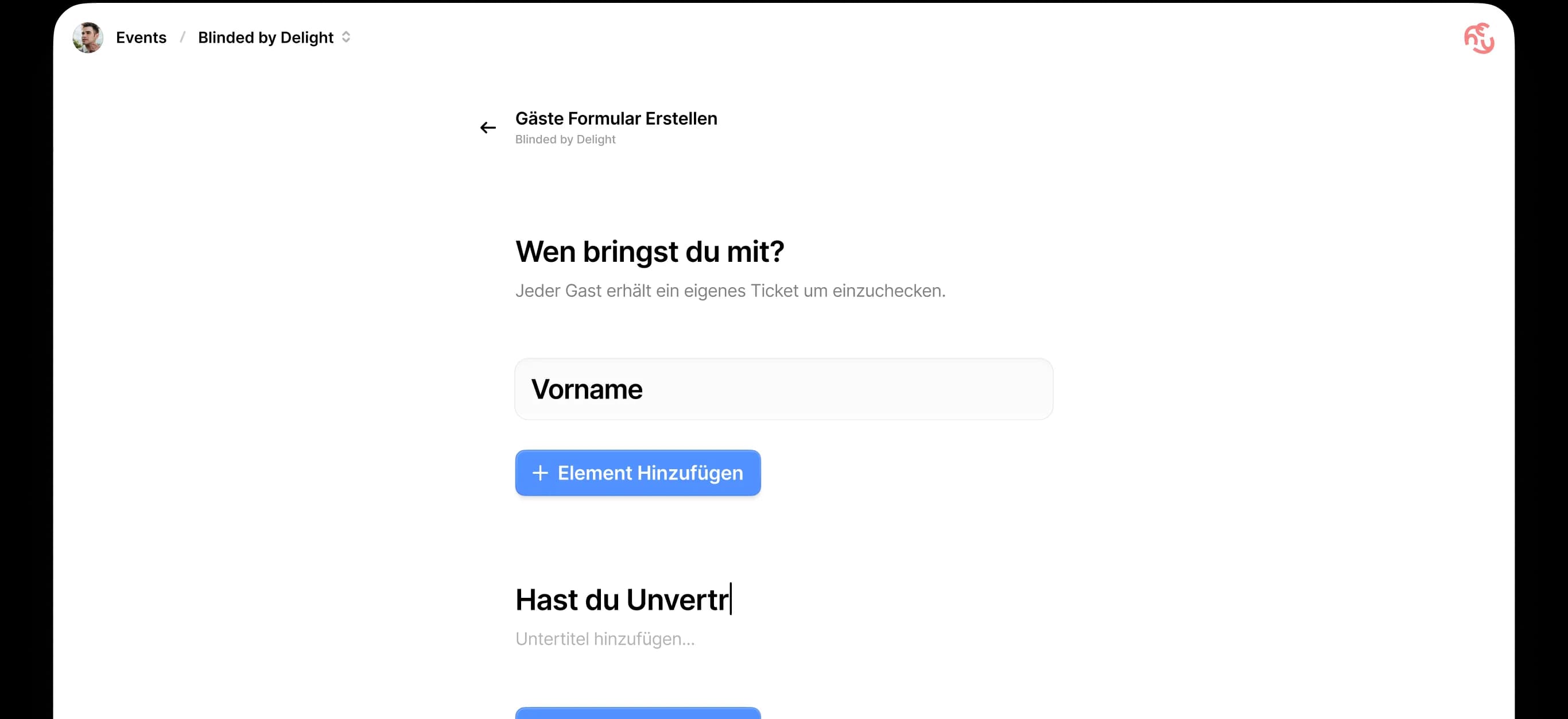
Custom Questions
Ask about allergies, dietary preferences or other important info.
Instantly Visible
All responses appear immediately in your overview.


All responses
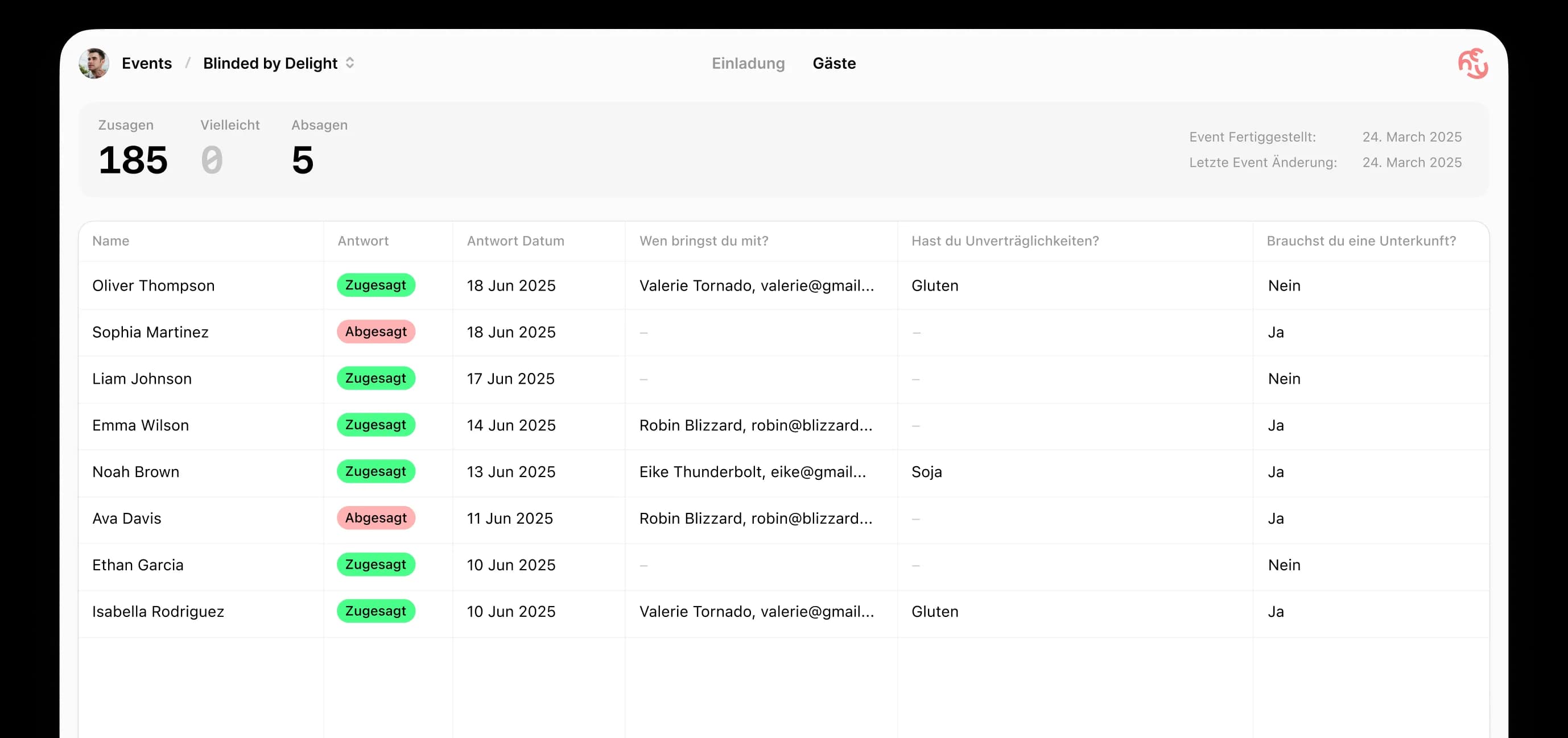
perfectly organized
Your online invitation with RSVP gives you complete control. See at a glance who accepted, manage your guests and export everything as a list.
Live Dashboard
Real-time overview of all accepts and declines
Guest List Export
Export your final guest list as an Excel file (.xlsx)
Send Reminders
Automatic reminders for guests without response
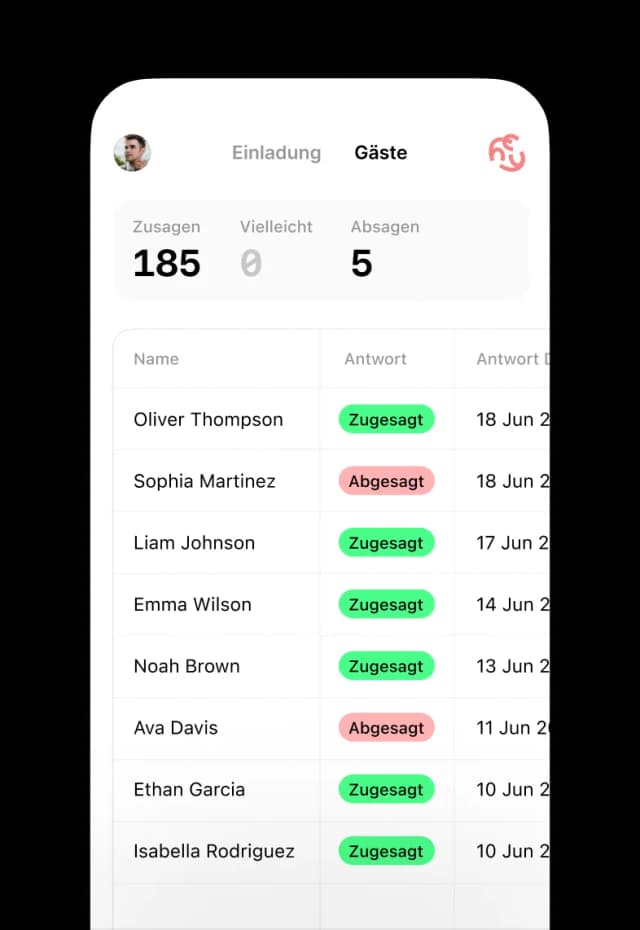
Mobile Optimized
Works perfectly on all devices
Frequently asked questions about the free RSVP tool
What the free RSVP tool does — and what it deliberately does not.
- Is HeyInvite actually free?
- Yes. Creating an event, sharing the invitation link and collecting responses costs nothing. You do not need an account to create an event — a free account is only needed if you want to come back and edit it later.
- What is an RSVP tool?
- An RSVP tool collects the replies to an invitation in one place. Instead of gathering answers from group chats, emails and phone calls yourself, every guest replies through the same link and you read the current state off a single list.
- Do my guests need an account to reply?
- No. Guests open the invitation link and reply straight in the browser — no sign-up, no app, no download. That applies to your custom questions too.
- Can guests change their answer later?
- Yes. Guests can update their response through the same link if their plans change, and your guest list shows the updated status.
- Can I see who opened the invitation?
- No. HeyInvite does not provide read receipts or open tracking. What you can see is who accepted, who declined and who has not replied yet.
- Can I export the guest list?
- Yes, as an Excel file in .xlsx format. It contains every guest, their status (accepted, declined, pending), the number of companions and the answers to your custom questions. HeyInvite does not currently offer PDF or CSV export.
Start your free online
invitation with RSVP now
Start your free
online invitation
with RSVP now
Over 50,000 event organizers already use HeyInvite for their online invitations. RSVP system included - completely free!