
Create Guest List
Has Never Been EasierCreate Guest
List Has NeverBeen Easier
Create guest list in just minutes! Professional event lists with RSVP system, automatic updates and export features.
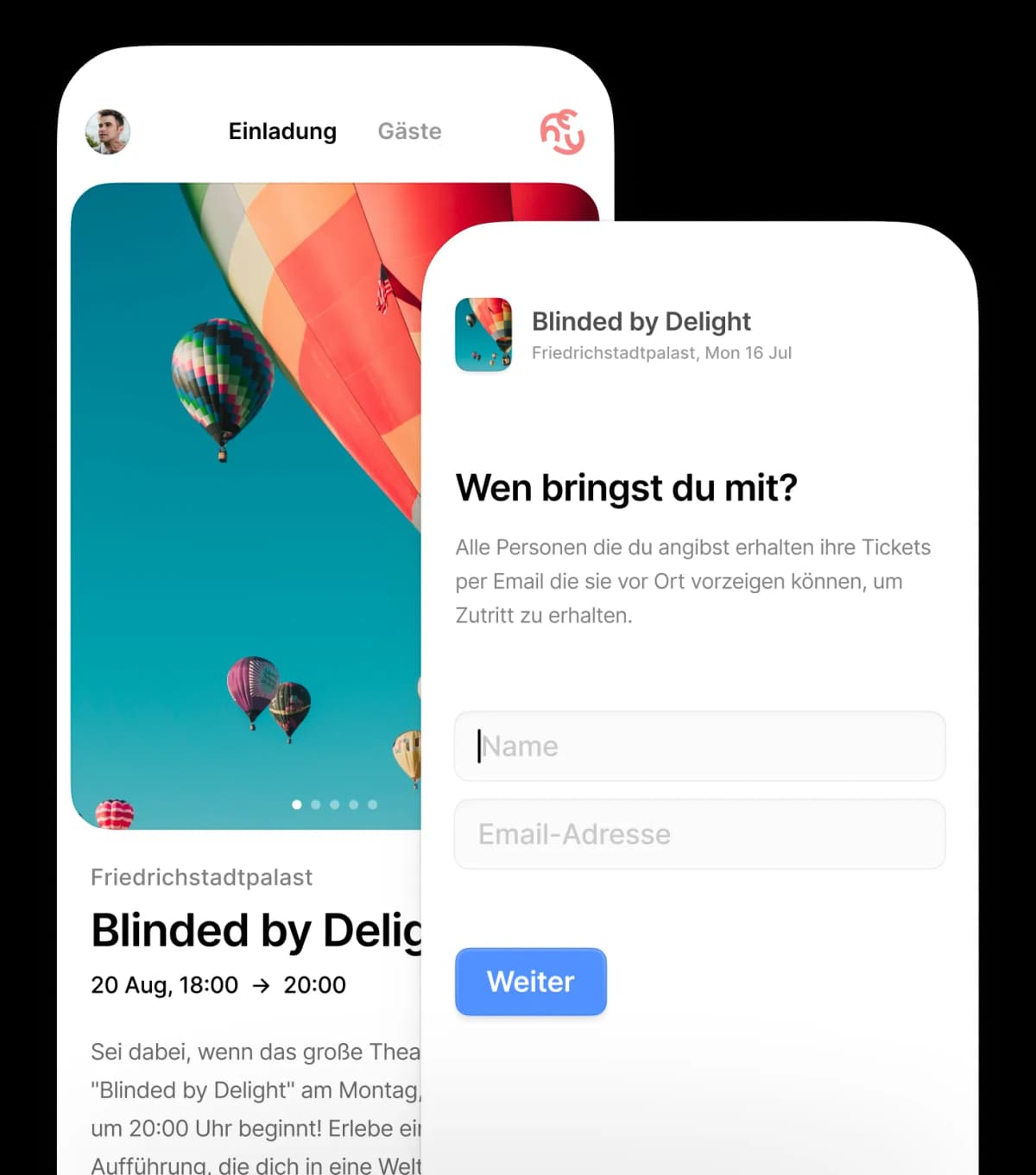
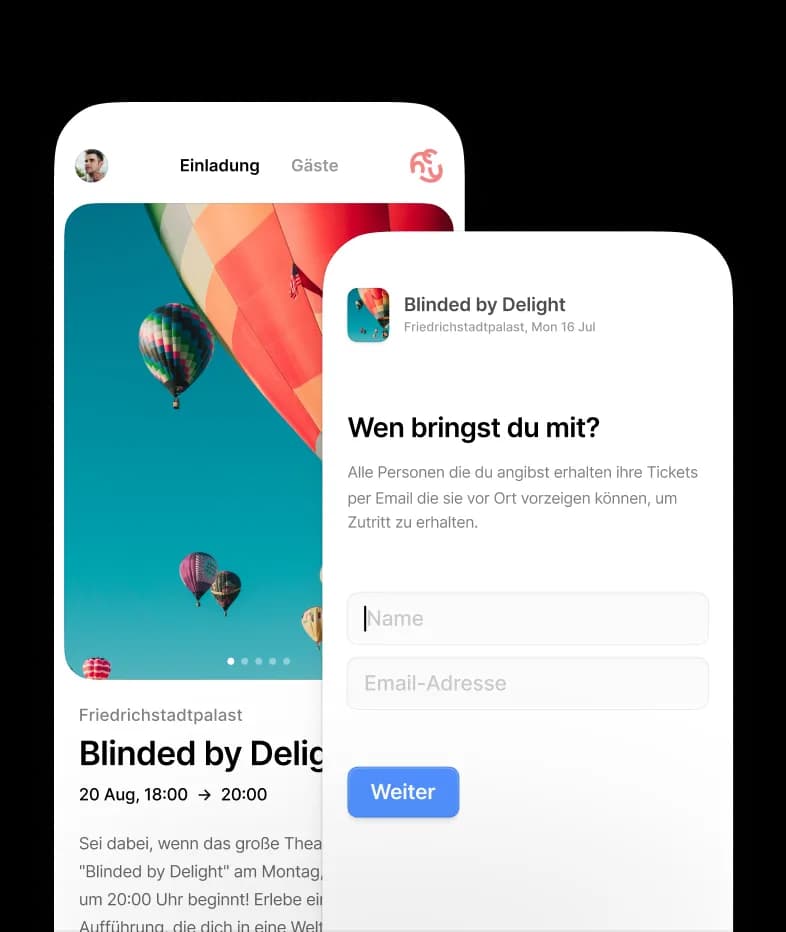

Create guest list
in just 3 steps
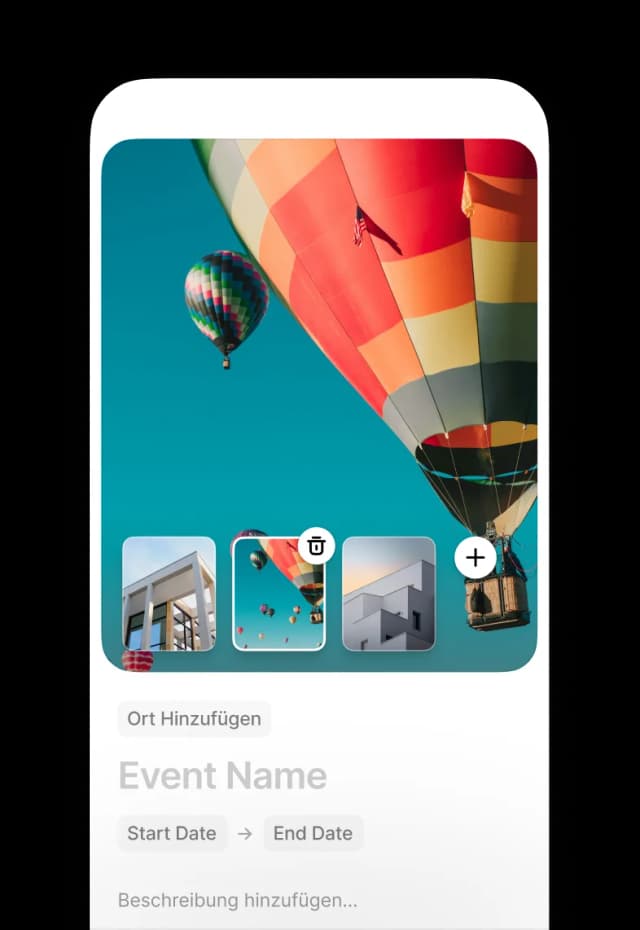
Enter Event Details
Give your event a name, date, time and location. That's all you need to get started!
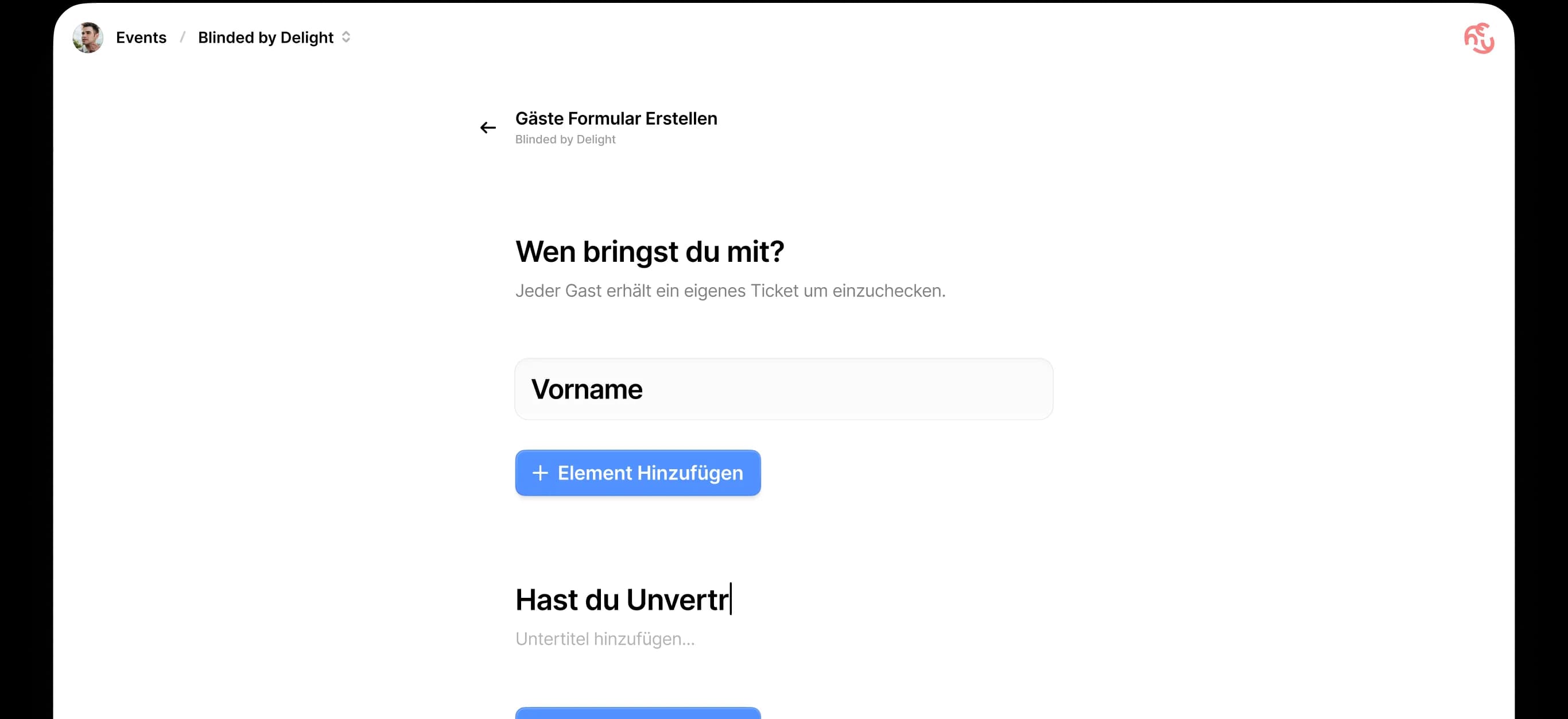
Customize Guest List
Add custom questions and determine what information you need from your guests.
Share Link & Manage
Share your event link and manage all registrations in real-time. Create guest list was never easier!


Everything you need
to create guest lists
RSVP System
Guests can directly accept, decline or respond "maybe". Automatic notifications included.
Live Dashboard
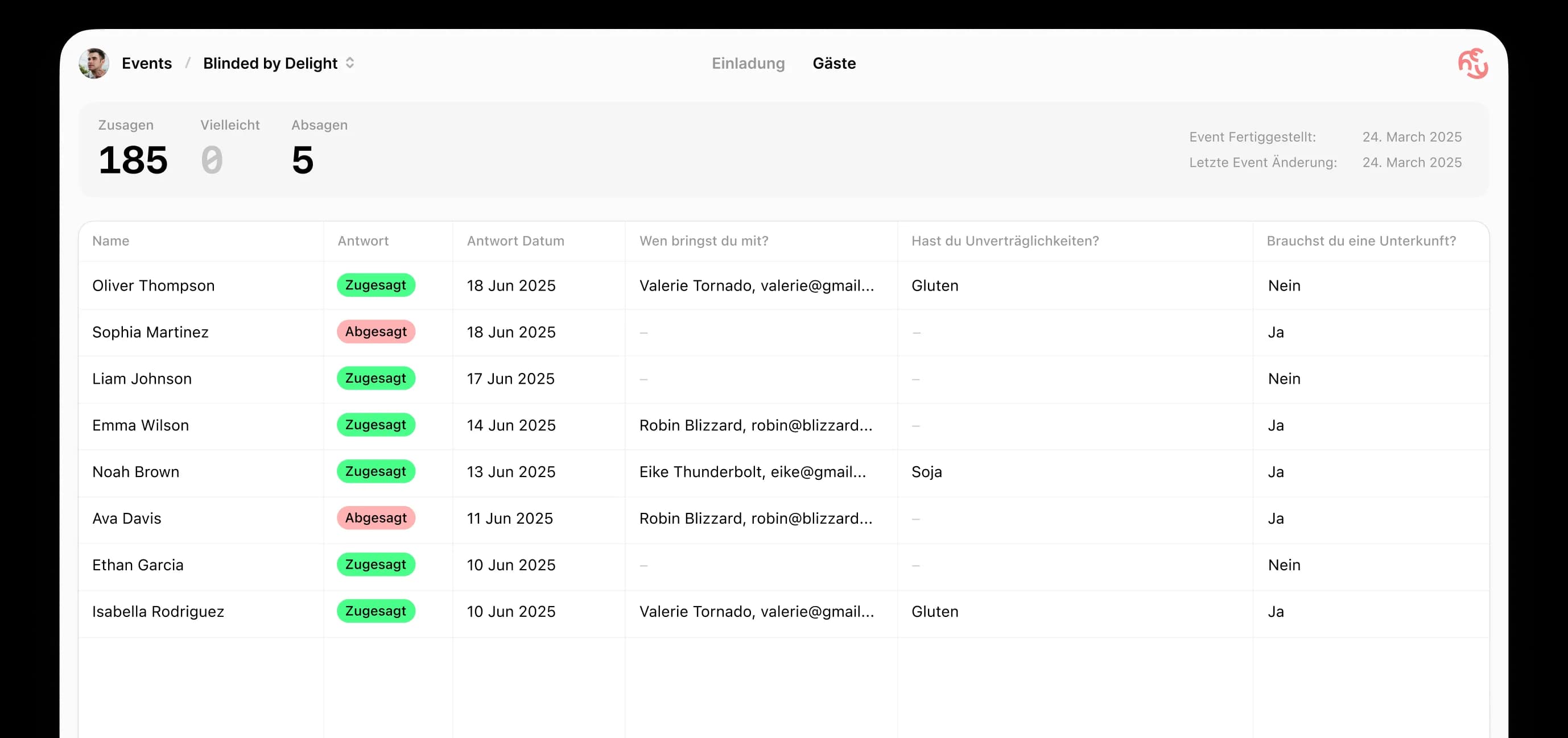
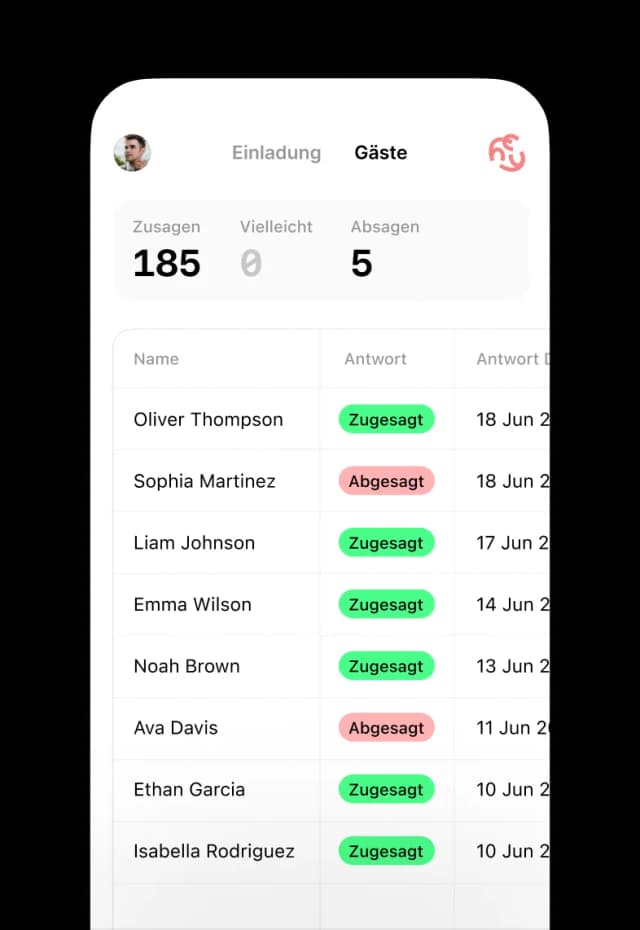
See in real-time who accepted. Your guest list updates automatically with every registration.
Custom Questions
Ask about allergies, dietary preferences, companions or other important information for your event.
Reminders
Send automatic reminders to guests who haven't responded yet.
Export Features
Export your final guest list as an Excel file (.xlsx) for further use.
Mobile Optimized
Works perfectly on all devices - desktop, tablet and smartphone.


Create guest list
for any occasion
Whether private celebration or business event - with HeyInvite you can create guest lists professionally for any occasion.
Birthdays
Create the perfect guest list for your birthday party
Weddings
Create wedding guest list with all important details
Corporate Events
Create professional guest list for business events
Private Parties
Create the right guest list for any kind of party
Frequently asked questions about creating a guest list
From the first entry to the export — what comes up most when setting up a guest list.
- How do I create a guest list?
- In four steps: create the event with date, time and location, add any custom questions for your guests, share the invitation link, and let responses flow into the list automatically. Setting it up takes a few minutes and needs no sign-up.
- What belongs on a good guest list?
- Name, RSVP status and number of companions are the basics. Depending on the occasion, add meal preferences or allergies, whether someone needs accommodation for a multi-day celebration, or the department for a company event. Anything beyond that tends to lower your response rate.
- How do I send out the invitation?
- You get an invitation link you can share anywhere: on WhatsApp, in a group chat, by email, by text message, or as a QR code on a printed card. You can also send the invitation by email directly from HeyInvite.
- Can I add guests myself?
- Yes. You can add guests to the list manually and set their status yourself — useful for the replies that reach you by phone or in person. Both approaches work in the same list.
- Do my guests need an account to reply?
- No. Guests open the invitation link and reply straight in the browser — no sign-up, no app, no download. That applies to your custom questions too.
- Can I export the guest list?
- Yes, as an Excel file in .xlsx format. It contains every guest, their status (accepted, declined, pending), the number of companions and the answers to your custom questions. HeyInvite does not currently offer PDF or CSV export.
Create guest list
has never been easier
Create guest list
has never
been easier
Over 50,000 event organizers have already created their guest list with HeyInvite. Start free and without registration!