
Guest List Online
Available EverywhereGuest List Online
Available Everywhere
Your guest list online - accessible anytime, anywhere. Cloud-based, automatically synchronized and no installation required.

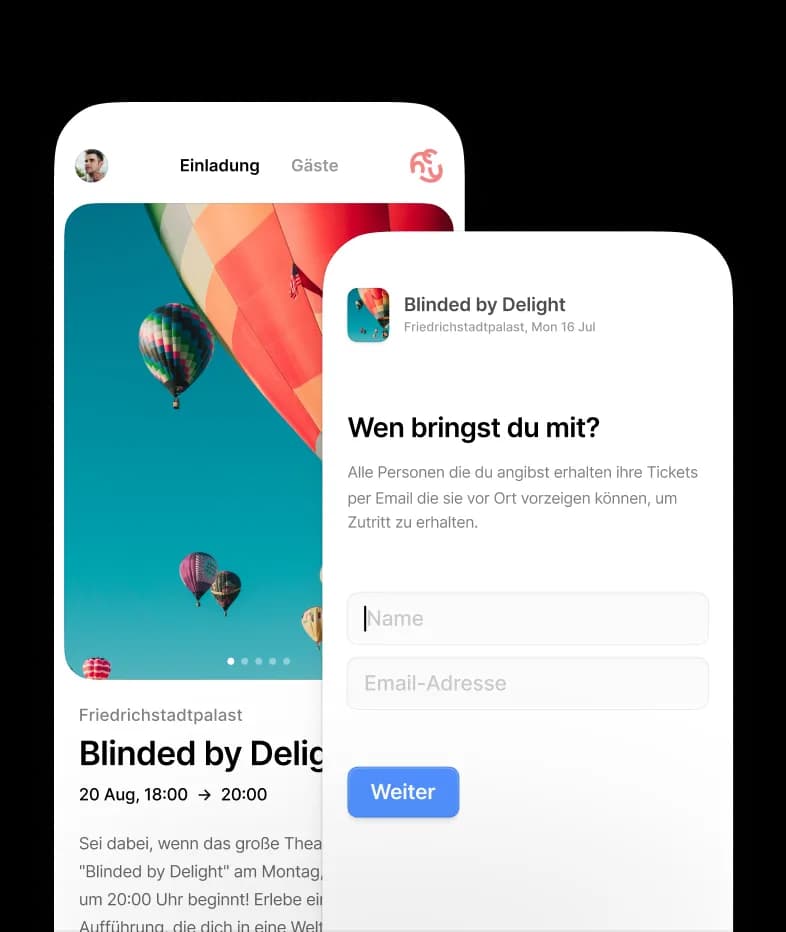

Why a guest list online
is the better solution
Cloud-based
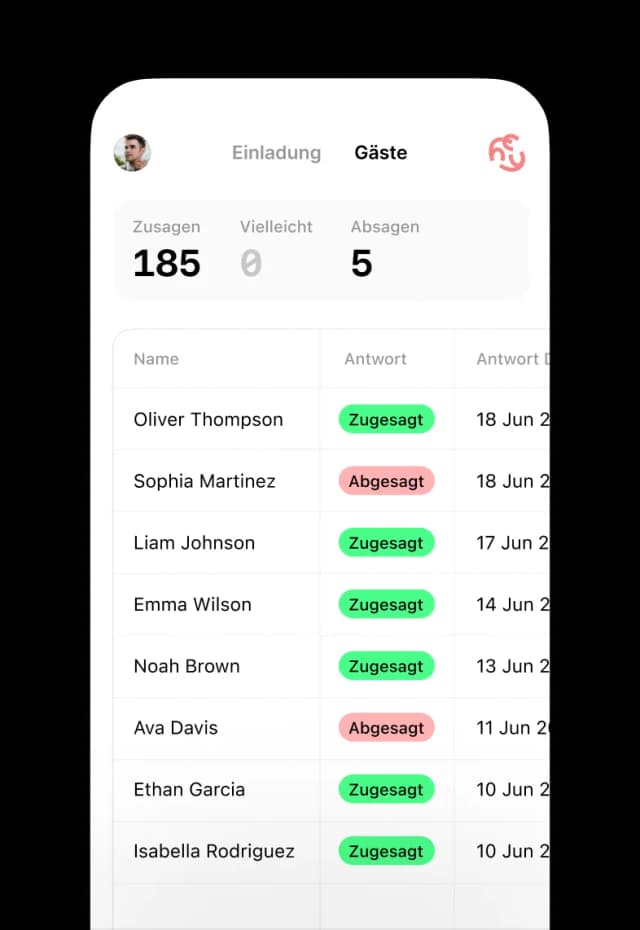
Your guest list online is available everywhere - at home, in the office or on the go with your smartphone.
Auto-synchronized
Changes are instantly updated across all devices. No manual backups or file synchronization needed.
Browser-based
Works in any modern browser - Chrome, Firefox, Safari. No installation or updates required.

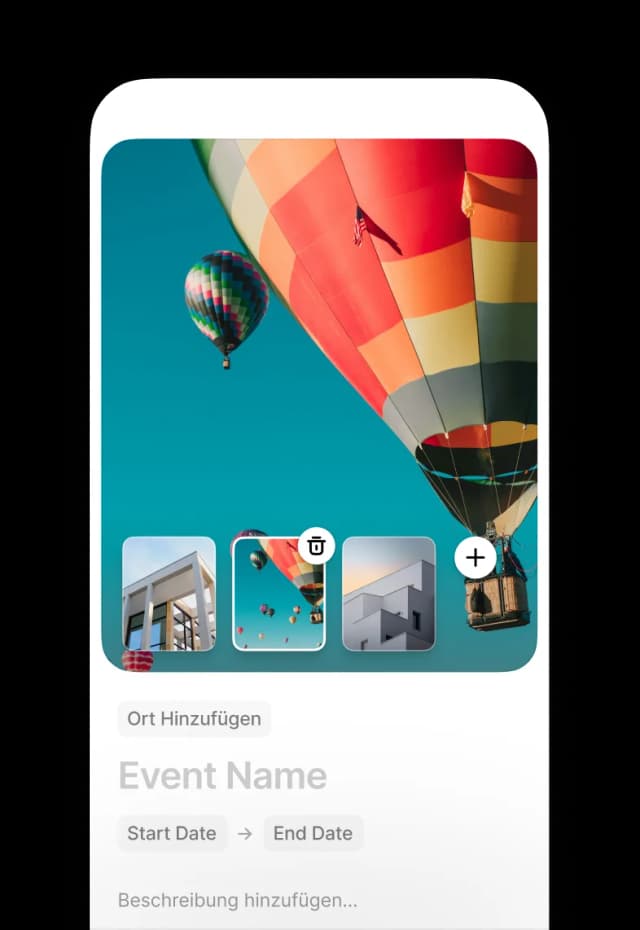

Your guest list online
perfect on all devices
Whether on desktop, tablet or smartphone - your guest list online is always optimally displayed and works flawlessly.
Desktop & Laptop
Full functionality
On desktop you have the complete overview: dashboard, statistics, export functions and advanced settings.
- • Large dashboard for maximum overview
- • Advanced filter and sorting options
- • Bulk actions for multiple guests at once
- • Detailed statistics and reports
Smartphone & Tablet
Mobile optimized
On the go you still have access to all important functions - perfect for spontaneous updates.
- • Touch-optimized user interface
- • Quick guest search and editing
- • Push notifications for new RSVPs
- • Offline mode for poor connections
Accessible everywhere
One URL for everything
Your guest list online always has the same URL - bookmark it and access it from anywhere.
- • Same URL on all devices
- • Automatic login on known devices
- • Secure HTTPS encryption
- • Backup stored in the cloud
Lightning fast
Optimized performance
Our cloud infrastructure ensures extremely fast loading times - no matter where you are.
- • Loads in under 2 seconds
- • Global servers for low latency
- • Intelligent caching
- • Progressive Web App technology


When is a guest list online
the perfect solution?
From small private celebrations to large corporate events - a guest list online is always the most flexible solution.
Private Events
Perfect for birthdays, weddings and family celebrations - even spontaneous changes are no problem.
- • Quick adjustments on the go
- • Share with family and friends
- • No technical barriers
Business Events
Ideal for corporate events, meetings and conferences - professional and secure.
- • Access for multiple colleagues
- • GDPR compliant and secure
- • Integration into existing workflows
Remote Teams
Perfect when your team works distributed - everyone has simultaneous access to the latest data.
- • Real-time collaboration
- • No version conflicts
- • Centralized data storage
Recurring Events
For regular events you save time through templates and automatic invitations.
- • Create event templates
- • Reuse guest lists
- • Automated processes
Frequently asked questions about online guest lists
Short, concrete answers to what people ask most about managing a guest list online.
- What is an online guest list?
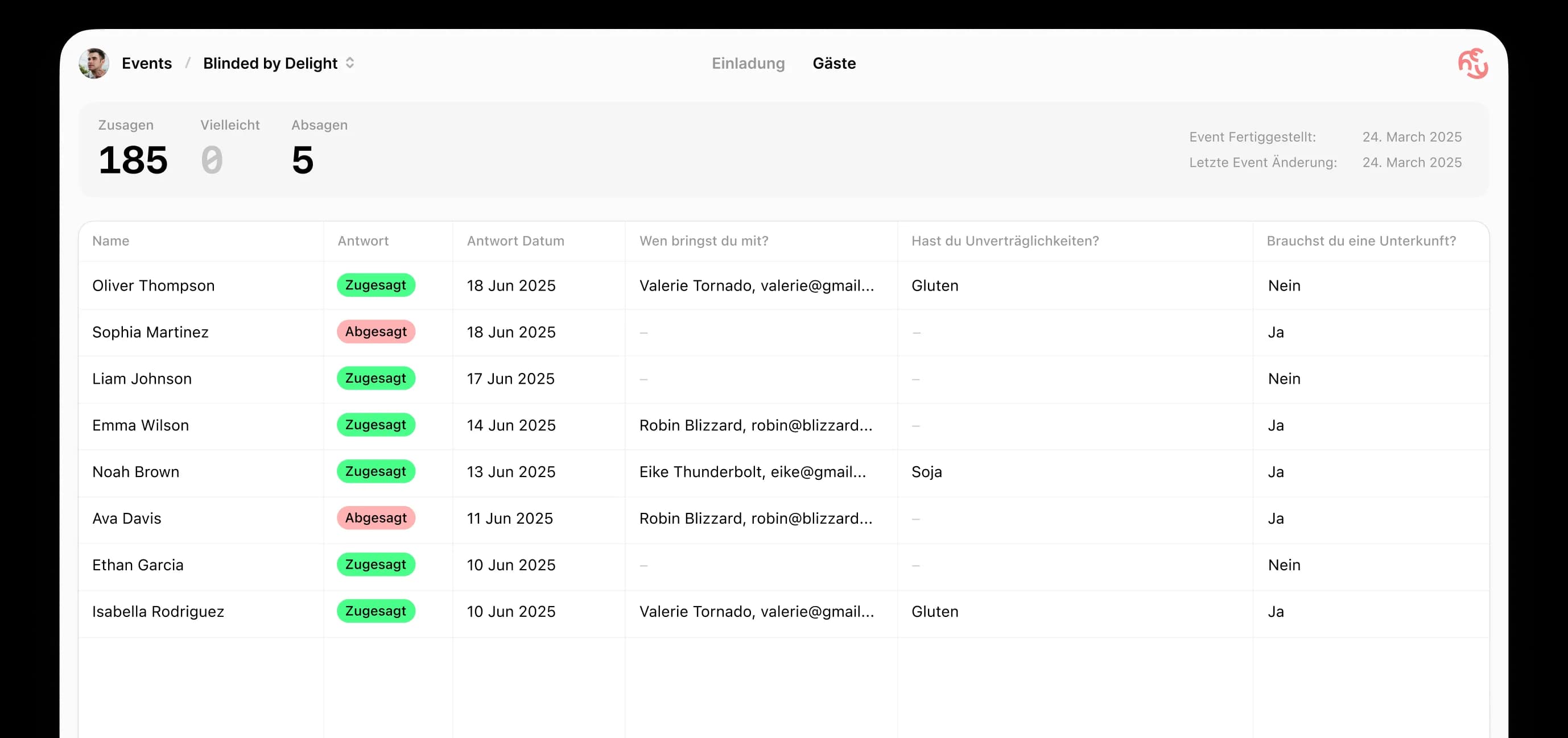
- An online guest list lives in the browser instead of in a file on one device. Responses flow into it automatically as guests reply through the invitation link. You see the current state on any device, with no versions to reconcile and no files to email around.
- Why use this instead of a spreadsheet?
- With a spreadsheet you type in every reply yourself and resend the file after each change. With an online guest list the guests fill it in themselves. There is one version, it is always current, and several people can look at it at once. If you still need the data in Excel, you can export the list as an .xlsx file.
- Do my guests need an account to reply?
- No. Guests open the invitation link and reply straight in the browser — no sign-up, no app, no download. That applies to your custom questions too.
- Do I see changes immediately?
- Yes. When a guest replies, the response appears in your guest list with nothing to sync. Open the list on your phone and on your laptop and both show the same state.
- Can I ask my guests custom questions?
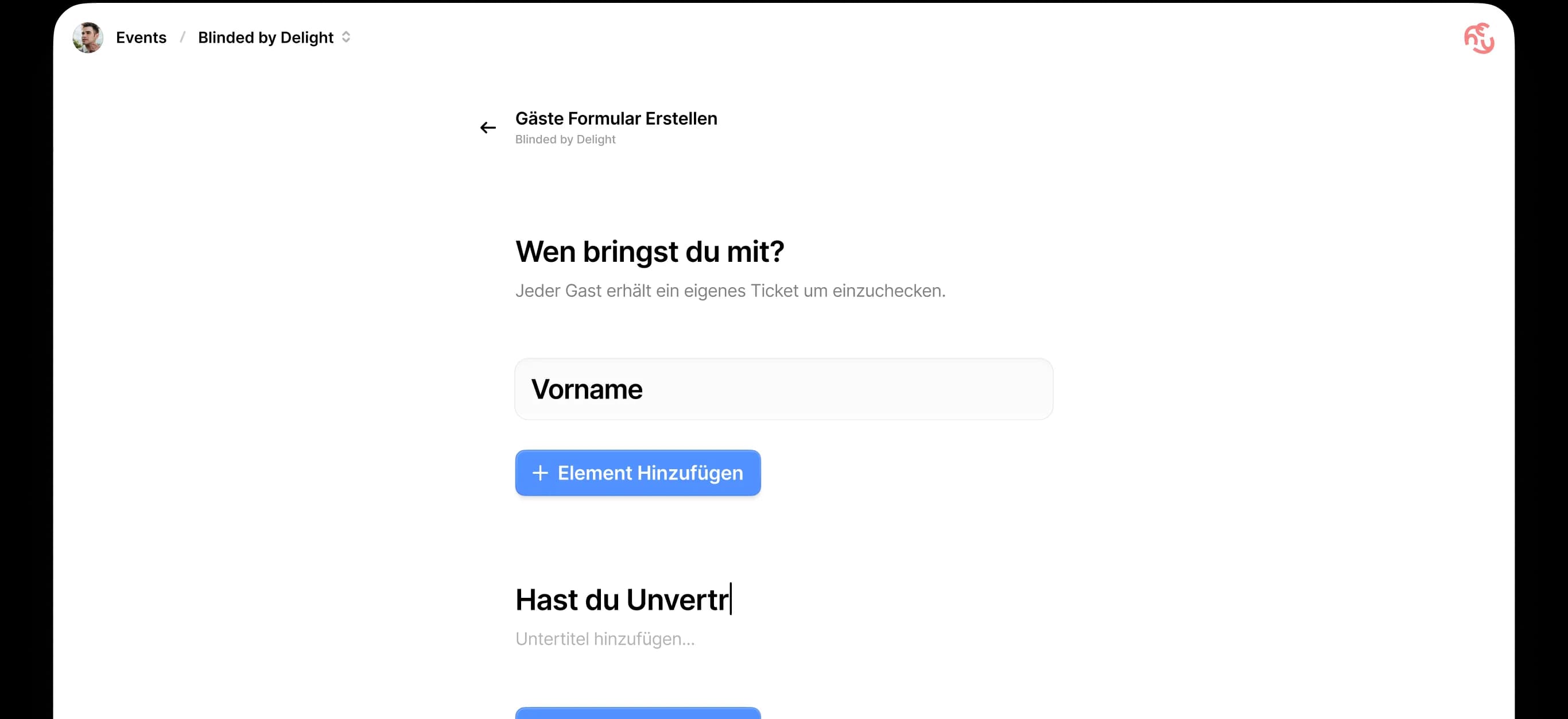
- Yes. You can add your own questions to any event as a free-text field, a single choice or a multiple choice. Common ones are meal preferences, allergies, travel plans or whether someone needs accommodation. Answers land directly in your guest list.
- Can I export the guest list?
- Yes, as an Excel file in .xlsx format. It contains every guest, their status (accepted, declined, pending), the number of companions and the answers to your custom questions. HeyInvite does not currently offer PDF or CSV export.
Start your
guest list online now
Start your
guest list online now
Over 50,000 event organizers already use our online guest lists. Cloud-based, secure and available everywhere!